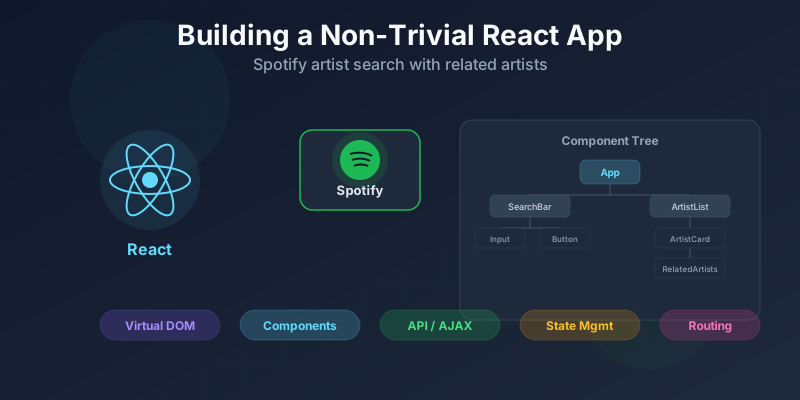
Building a Non-Trivial React App
Tutorial on building a React application that searches Spotify for artists and displays related artists.
Overview:
- Why React?
- Setting up a React project environment
- Basics of React
- Building and nesting components
- API and AJAX requests
- Adding Twitter Bootstrap for styling
Why React?
For this tutorial we are going to build a simple React application that will allow us to search for an artist on Spotify and return the top result for the search and a list of related artists, along with images, genres, and a link.
React has been getting a lot of positive attention for the past few years, and for good reason. Facebook’s Javascript framework has been picked up by several other big companies, including Netflix, Tesla, Yahoo!, and Airbnb.
React operates very differently than other Javascript frameworks like Angular and Vue.js. Instead of writing your Javascript and HTML in separate files and having to referencing elements using id selectors or Angulars’ ng- syntax, you will write them both together in one harmonious file. This makes it easier for writing and debugging code.
React’s speed comes from its usage of a virtual DOM. Rather than manipulating the existing DOM, which is slow, React creates a copy of the DOM called a virtual DOM and manipulates that instead. Then React compares the virtual DOM to the real DOM and only swaps out only the changed sections.
Unlike Angular and Ember, which are full frameworks, React is only the View layer in the MVC framework. React’s is only concerned with creating reusable UI components.
The code for this article can be found here. Use the ‘react-only’ branch for this tutorial.