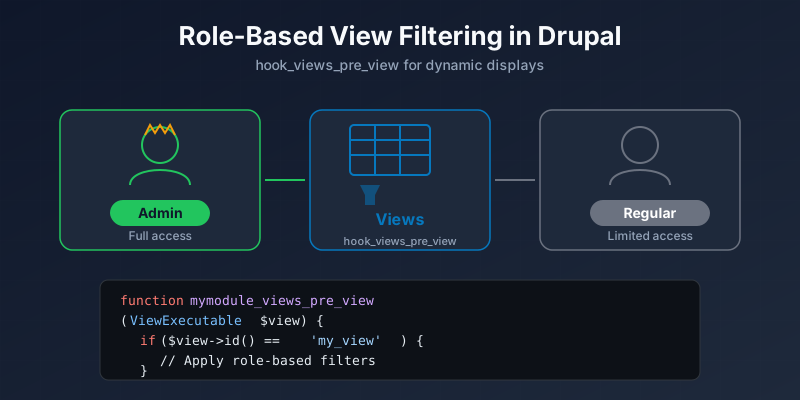
Display of Different Views Depending on Logged in User
How to show different Drupal view filter criteria based on user roles using hook_views_pre_view.
Have you ever desired to have display of different View filter criteria depending on the user’s role? There are two ways of achieving this.
An alternative approach is to write a few lines of PHP and get different search criteria in the same view and same URL.
function mymod_views_pre_view(&$view) {
  switch ($view->name) {
    case 'event_list': {
      if(!user_access('use advanced search on events')) {
        $view_filters = $view->display_handler->get_option('filters');
        unset($view_filters['field_date_value']);
        unset($view_filters['field_address_title']);
        $view->display_handler->override_option('filters', $view_filters);
      }
      break;
    }
  }
}
In the above code, hook_views_pre_view is used to alter a view before it is displayed. Switch case statement is used to select the view that needs this implementation. Next permissions are checked — if the user role does not have permission “use advance search on events”, then unset the filters.
This is an easy way to create different displays of a view based on permission assigned to user role.
NOTE: These filter criteria are exposed to the users (check “Expose this filter to visitors, to allow them to change it” to expose the filter criteria).