How to Build a LEMP/Drupal Server VM in Cloud
Video tutorial showing how to build a LEMP (Linux+Nginx+MySQL+PHP) server VM in the cloud and run Drupal on it.
This video shows how to build LEMP (Linux+Nginx+MySQL+PHP) server VM in the cloud and run a Drupal site on it. The notes for the video are below. Use them along with watching the video.
In case you decided to sign up with Vultr, use myaffiliate link here.
Please note that the following ARE NOT exact instructions. They are just notes that make sense only with the video.
- Update & Upgrade packages: apt-get update && apt-get upgrade
- Install essential software: apt-get -y install vim curl unzip ntp sudo debconf dialog
- Install nginx: apt-get -y install nginx
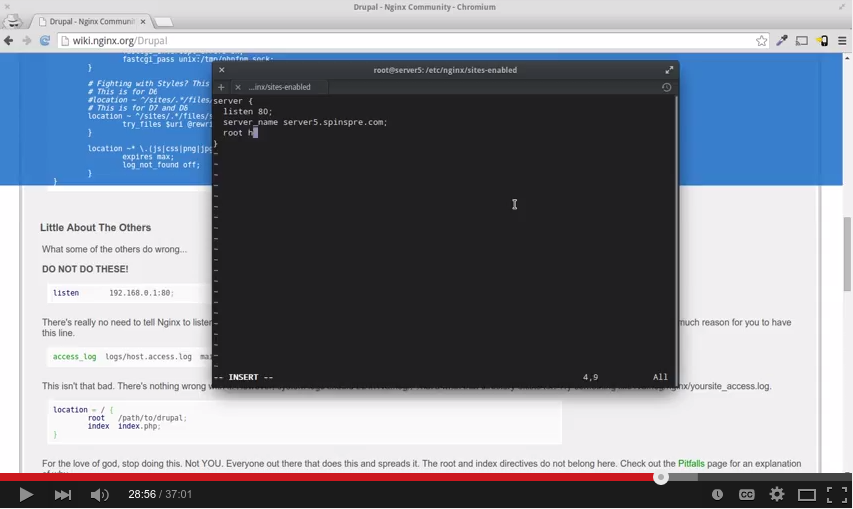
- Basic server config file: server { listen 80; server_name yourhostname; root /home/username/dev/web; }
- Install php etc: apt-get -y install php5-fpm php-pear php5-gd php5-mysql php5-curl
- Install mysql: apt-get -y install mysql-server
- Generate a fairly random password: openssl rand 16 -hex
- Create regular non-root user: useradd username —create-home —shell /bin/bash —group adm -G sudo,adm,www-data
- Append to /etc/sudoers.d/custom: # Allow members of group sudo to execute any command (without password)
%sudo ALL=(ALL:ALL) NOPASSWD: ALL- Install drush: pear channel-discover pear.drush.org pear install drush/drush drush status
- Download Drupal: drush dl drupal-7
- Site directory changes: mkdir files cp default.settings.php settings.php chgrp www-data files settings.php chmod g+s files mkdir -p modules/contrib modules/custom modules/features themes libraries scripts
In case you decided to sign up with Vultr, use myaffiliate link here.