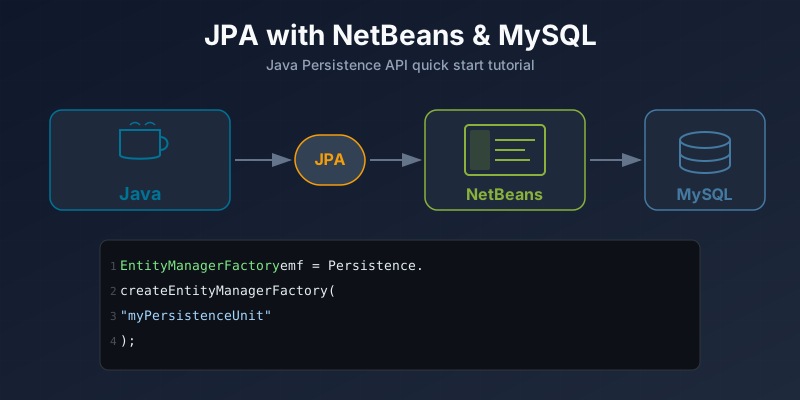
JPA Using NetBeans and MySQL
Tutorial on getting started with JPA (Java Persistence API) using NetBeans IDE and MySQL database.
In this article you will learn how to quickly get started with JPA. I will be using NetBeans and MySQL database to store data using JPA.
First let’s create a database:
create database JPA;Create a new “Java Application” project in NetBeans. Right-click on the package, select new > other > persistence > Entity Class.
Give the new entity class a name and select the database connection. The IDE will generate the entity class with annotations.
Now create a JPA Controller. Right-click on the package > other > persistence > Jpa Controller Classes from Entity Classes.
Create an Application.java class where we create our entityManagerFactory:
EntityManagerFactory objFactory = Persistence.createEntityManagerFactory("JPAPU");
EntityManager manager = objFactory.createEntityManager();
Make sure the persistence-unit name from the persistence.xml file matches what you use in the code.
Now you are ready to run the project and see that it created a table NewEntity in JPA database.