Making Vim Syntax Highlighting Work Inside Git Bash
How to fix Vim syntax highlighting not working in Git Bash by linking to standalone Vim installation.
If you have used Git Bash and its Vim, which both come as one package, you have probably stumbled on the issue of making syntax highlighting work.
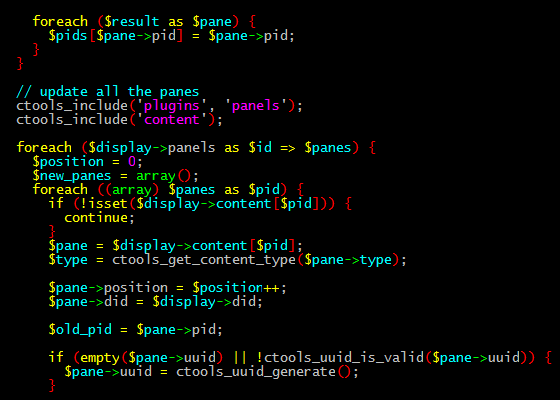
Whenever you type the command “vi file_name” in Git Bash and type, for example, some php code, you will see the plain white text on the black background. To try and fix the issue, you would just type the command “: syntax on”, because it always worked, right? Well, not so much with the Git Bash Vim scenario.
The quick and simple fix to the problem is to install Vim separately and link Git Bash to the standalone Vim installation. Here is how to do it once Vim is installed:
- go to Git/bin directory and edit the vim and vi files. (by default, the full directory is C:\Program Files (x86)\Git\bin)
- replace “/share/vim/vim74/vim” with the directory of where you installed your Vim (by default it would be “C:/“Program Files (x86)“/Vim/vim74/vim”) in both files.
The “: syntax on” and “: syntax off” command will work fine now.
Of course, the ultimate and easiest solution to this and other issues is just to install a linux VM and ssh to it, if you found yourself developing on windows.